Clean white square
Remove the background to white and auto crop the item into a square frame, the look buyers expect in search results.

eBay background remover
LotLifter removes the background from your item photos to a clean white square and auto crops them, right inside the listing workflow on your phone or your desktop. There's no separate app, no exporting and re-uploading, and no per-photo fee.

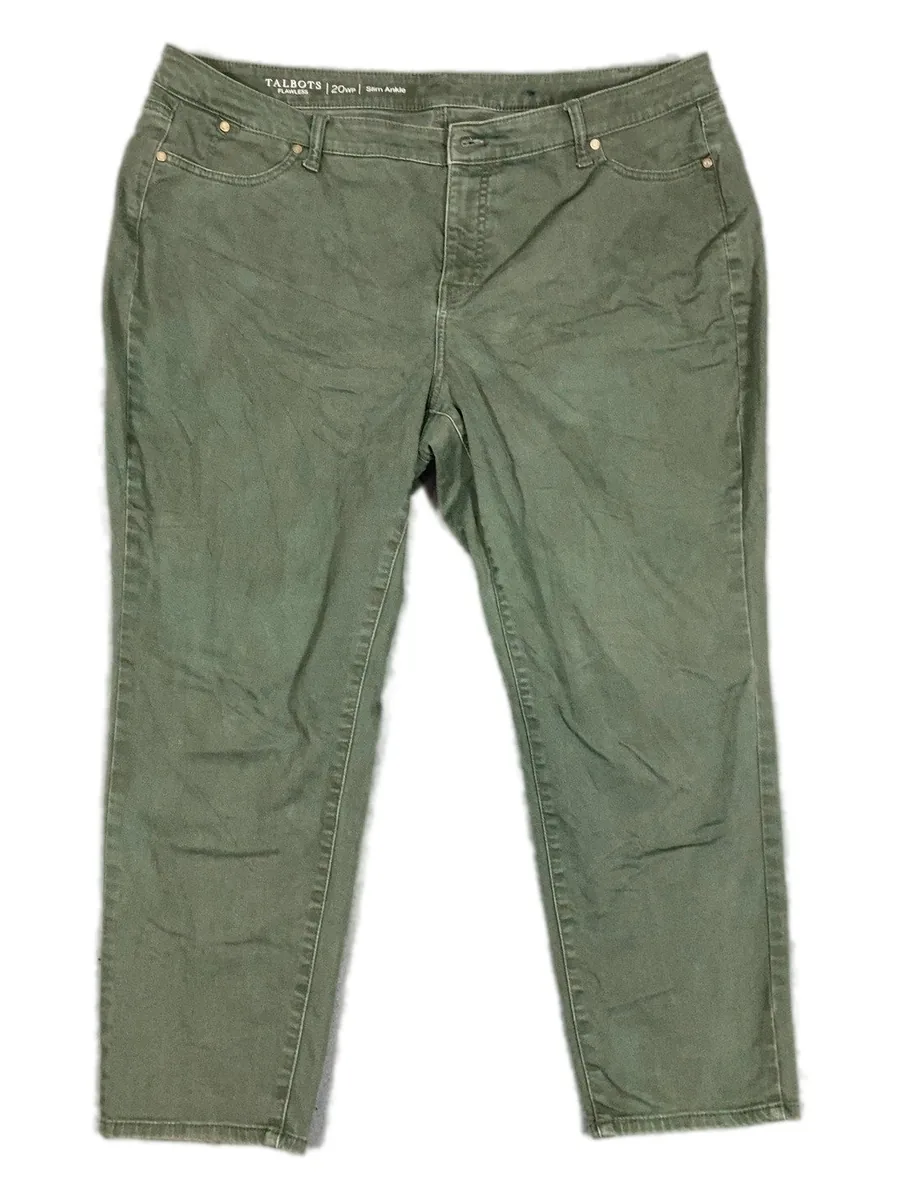
Most resellers juggle a separate background app: shoot, export, process, re-upload. In LotLifter the clean photo is just part of the draft.
Remove the background to white and auto crop the item into a square frame, the look buyers expect in search results.
Switch any photo back to its original, reprocess it, or crop it yourself. The original photo is always kept.
Make any photo the cover, and tag photos as front, back, tag, care tag, detail, flaw or measurements. Reference tag shots can stay hidden from the listing.
On the desktop
In LotLifter Full, every photo in a draft has the same controls. Cutouts are marked, so you can see at a glance which photos are processed.
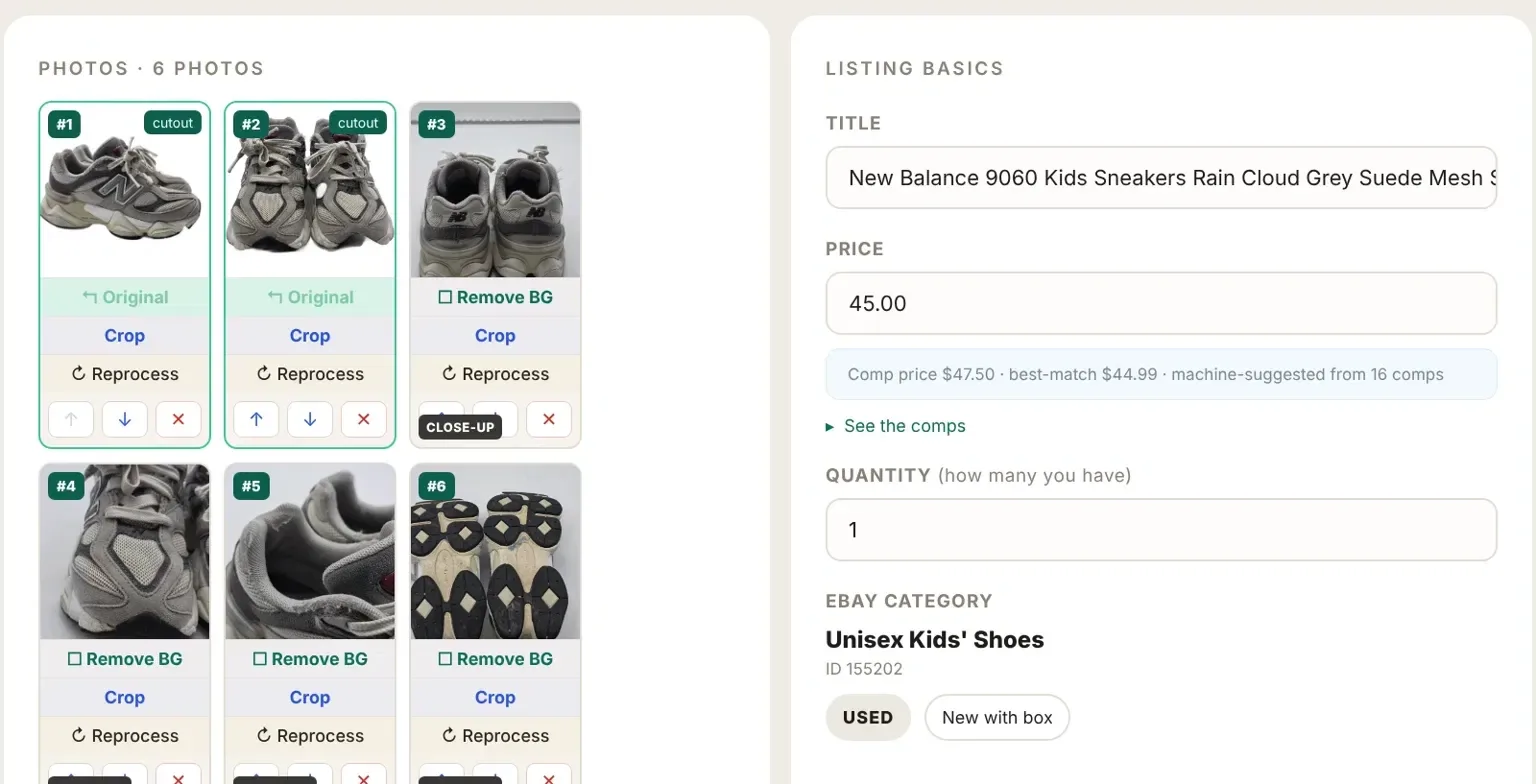
Background removal is included on every plan, and the photos you clean up flow straight into the eBay listing LotLifter drafts. See pricing
No. It's included in LotLifter on every plan, with no per-photo fee.
Yes. The original photo is always kept; switch back to it, reprocess, or crop it yourself.
Yes. LotLifter Go has background removal and auto crop in its photo tools, and so does the desktop app.
Processed photos are a clean white square, the format that displays consistently in eBay search results.
Create your account and photograph your next item.