Guided photos
Front, back, tags, flaws and measurements. Background removal and auto crop are in the photo tools.

LotLifter Go
LotLifter Go is the phone side of LotLifter: shoot an item, review the AI draft with clean photos and a price from comps, and publish to eBay. When it sells, see it in Sold and ship it. It's the same account and inventory as the desktop app.
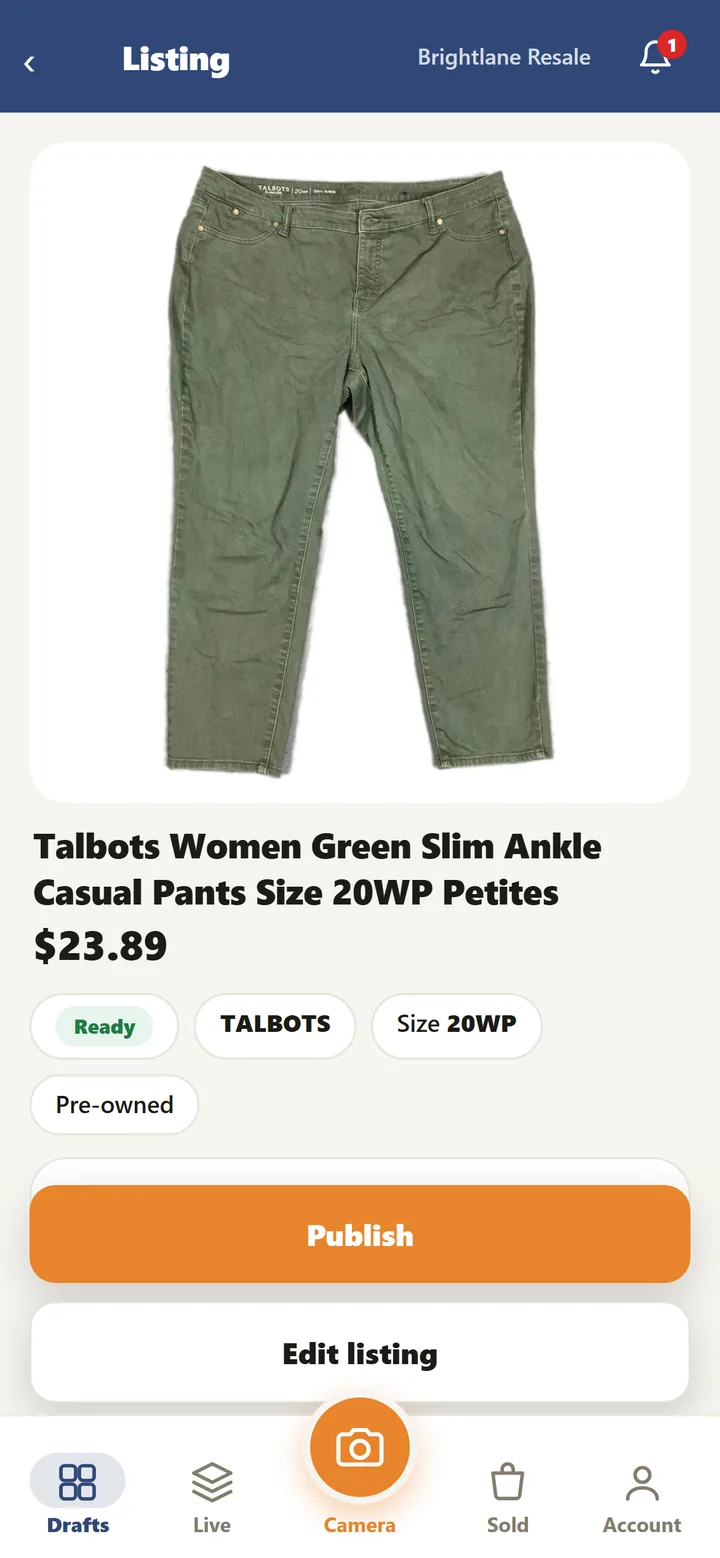
Go is built for one hand and a pile of items: one item after another, with the slow parts drafted for you.


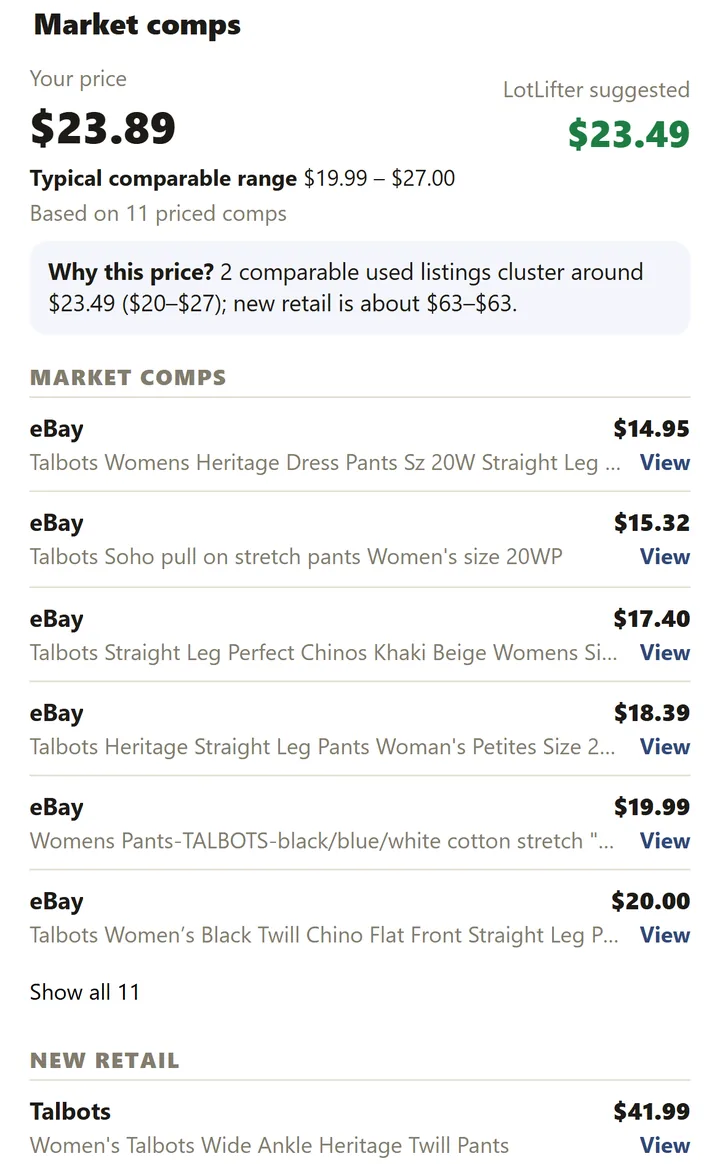
Front, back, tags, flaws and measurements. Background removal and auto crop are in the photo tools.
Move through drafts one after another. Anything missing for eBay shows Missing Info; prices with thin evidence show Needs Review.
Publish with your own eBay policies, see what sold, and ship from the phone, on your own ShipEngine account.
LotLifter Go and LotLifter Full (the desktop app) are two ways into the same account: the same items, listings, storage and plan. Start a pile on the phone and finish it at the desk, or the other way round. There's a link to switch in each app.
LotLifter Go runs in your phone's web browser on iPhone and Android. Open it and add it to your home screen, and it opens like an app. There's no app store download.
LotLifter Scan turns a phone into the warehouse scanner: Put Away, Find, Move, Pick and Pack. Inventory management
No. It runs in the browser on iPhone and Android; add it to your home screen to open it like an app.
No. Go and the desktop app are the same account, the same inventory and the same plan.
Yes. Review the draft and publish to your connected eBay store with your own business policies.
Yes. Background removal and auto crop are part of Go's photo tools.
Open LotLifter on your phone, create your account and photograph something.